Feel less stiff. Move more freely.
Loosen up after hours at your desk, ease into your morning, or unwind before bed. Limber guides you through short stretching routines and helps you make them a habit.

No subscription needed to start
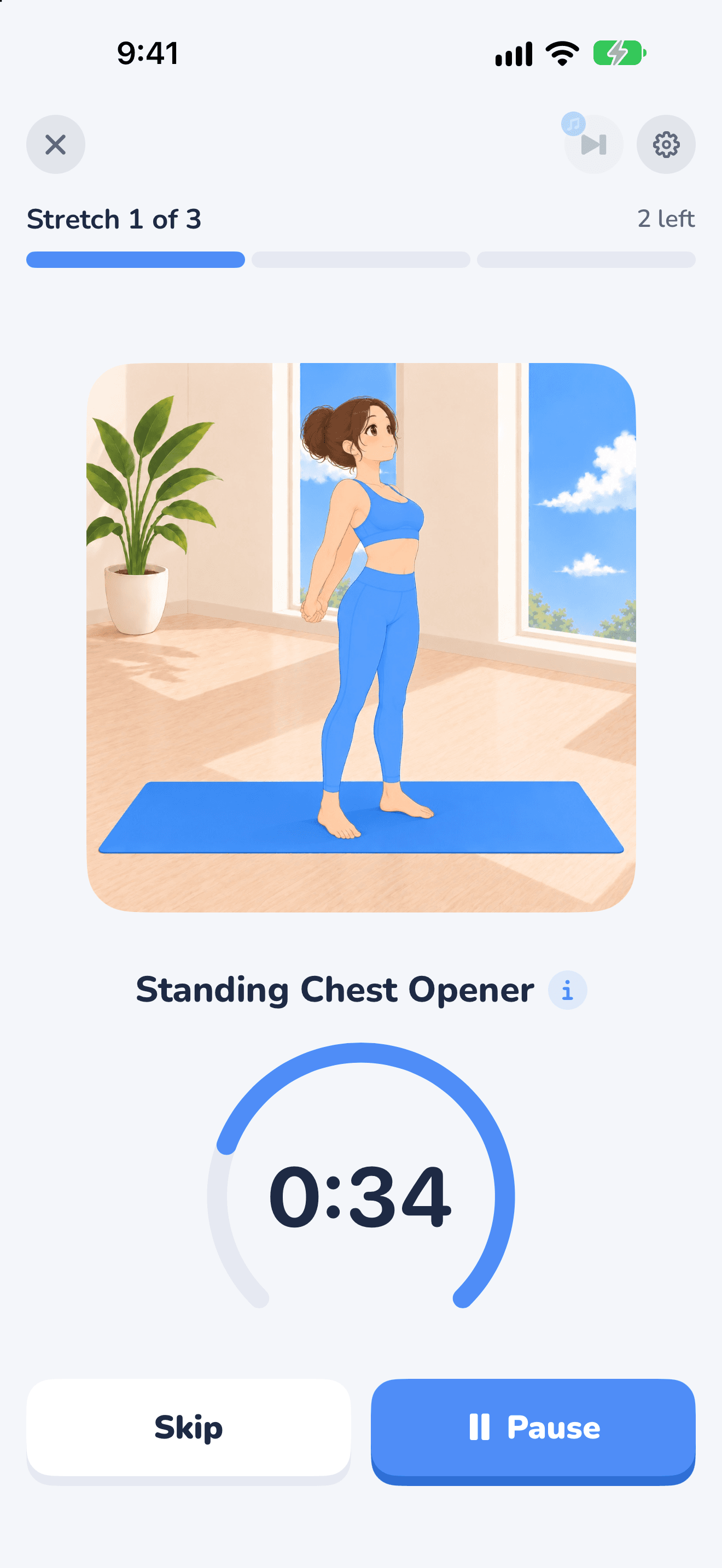
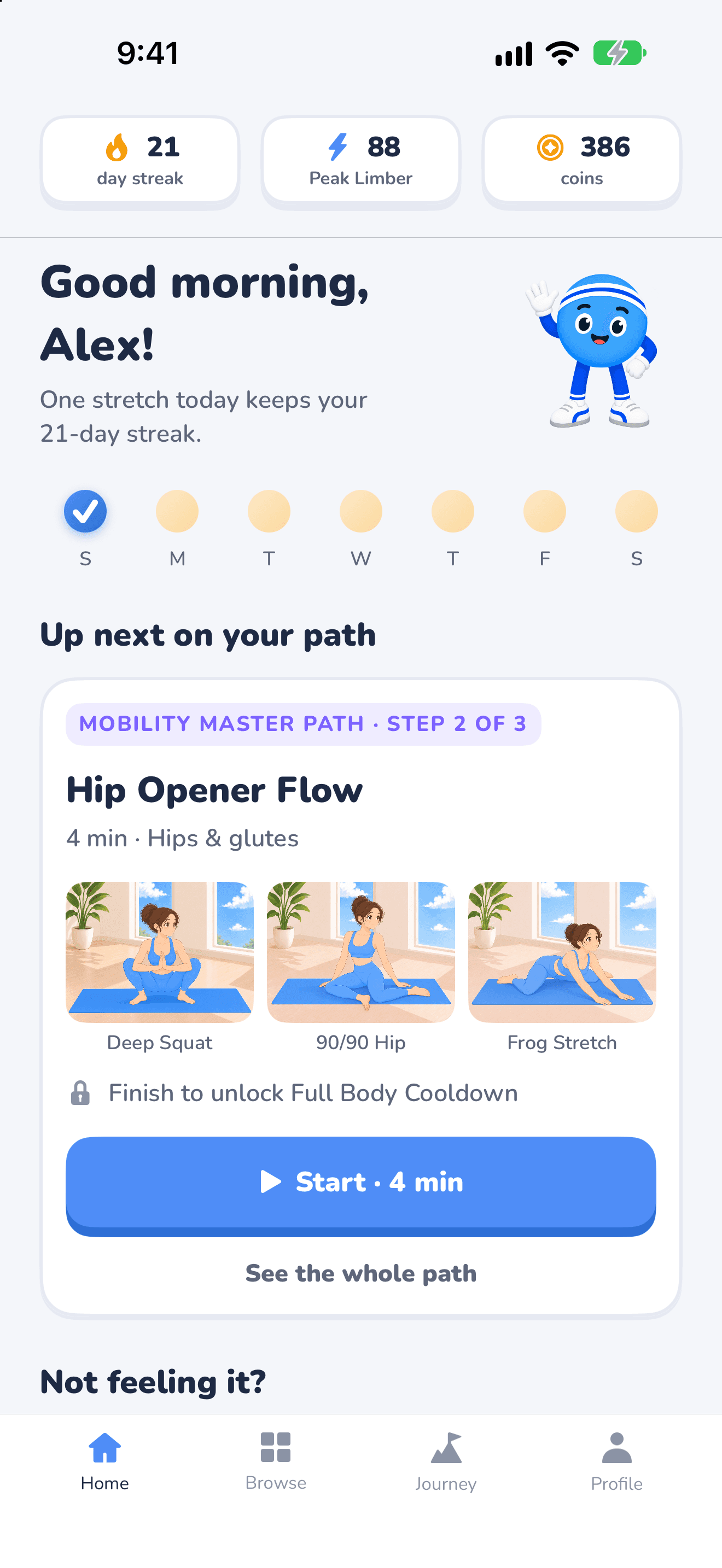
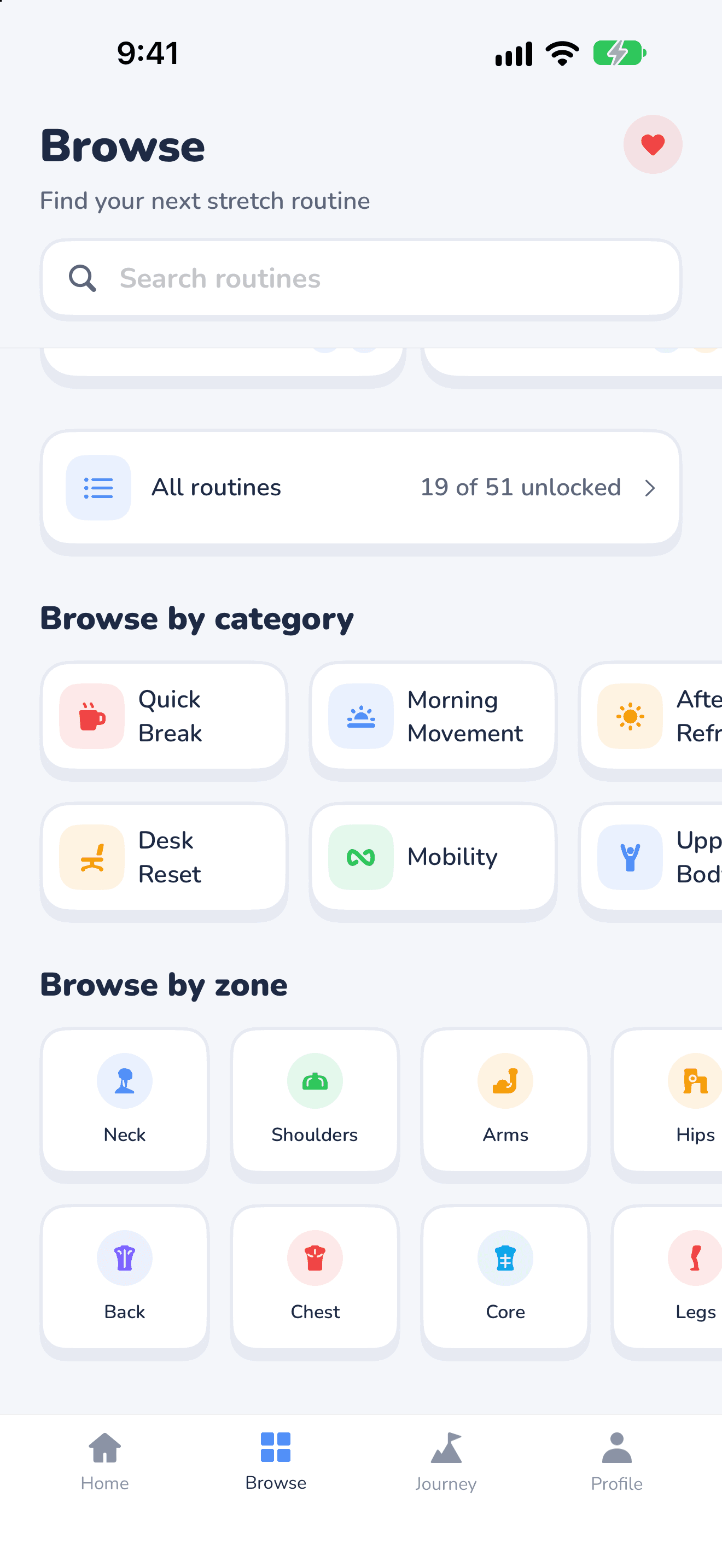
Screen 1 of 3. Follow every stretch
Swipe to exploreExplore the app · drag or use the arrows. Use the left and right arrow keys when a carousel control is focused.

Feel better, move freer
Three steps to limber
Routines that fit your life
Find a little room to move, from your first stretch of the morning to your wind-down before bed. Explore 51 routines across 13 guided paths.
At work? Chair and standing routines help you take a stretch break without getting on the floor.
Ease into your day with a short stretch.
Take a break from sitting and loosen your upper body.
Make space to stretch and unwind before bed.
Follow a guided stretch after your run.
Start with six free guided sessions across Quick Start and First Steps. Continue with Premium to explore more paths, unlock routines as you progress, and replay your favourites.
Questions? Limby has answers.
Is Limber free?
Yes — Limber is free to download, with six guided sessions across Quick Start and First Steps included. No subscription is needed to start. Premium lets you continue into more paths, unlock routines as you progress, and replay your favourites. Continuing after the free sessions or replaying a finished routine requires Premium.
How long are the routines?
Routines include 2–8 minutes of stretching, so you can fit a session into a busy day. Start with a short break or make time for a longer stretch. Allow a little extra time to move between positions.
Do I need any equipment?
No gym equipment is needed. Some routines use a chair, while others need space for floor or kneeling stretches. Chair requirements are shown in the app before you start. For a break at work, try chair or standing routines that keep you off the floor.
Is Limber good for beginners?
Yes. Quick Start begins with short beginner routines, with illustrations, clear instructions, and a timer to guide you. You don’t need to know which stretches to do or how long to hold them. Intermediate routines are available as you progress.
Is Limber available on Android?
Not yet — Limber is currently an iPhone app, available on the Apple App Store.
How is Limber different from a yoga app?
Limber focuses on short stretching and mobility breaks that fit around your day — at your desk, before or after a workout, or before bed. Guided routines take the guesswork out of getting started, while reminders and visible progress help you keep the habit going.

Make room for a little movement
Start with six free guided sessions and find your stretching rhythm.